

簡介
開始使用 Matrix。
Matrix 是一個開源的 AI 編碼代理。它提供終端機介面、桌面應用程式和 IDE 擴充功能等多種使用方式。
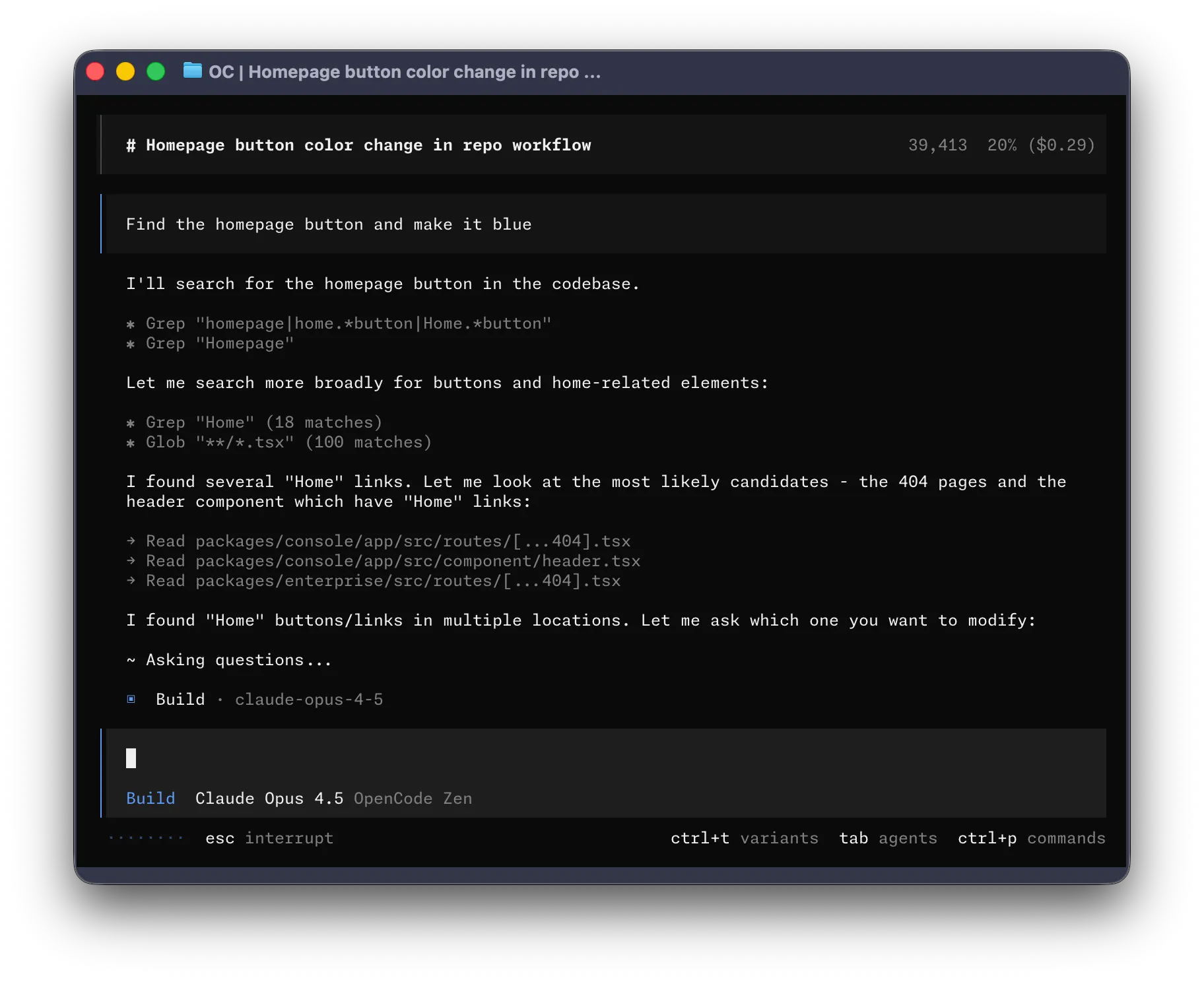
讓我們開始吧。
前提條件
要在終端機中使用 Matrix,您需要:
-
一款現代終端機模擬器,例如:
-
您想使用的 LLM 供應商的 API 金鑰。
-
用於檔案搜尋的 ripgrep (
rg)。- macOS:
brew install ripgrep - Linux:
sudo apt install ripgrep或sudo pacman -S ripgrep - Windows:
choco install ripgrep或scoop install ripgrep
如果未安裝 ripgrep,Matrix 將自動下載。
- macOS:
安裝
安裝 Matrix 最簡單的方法是透過安裝指令碼。
curl -fsSL https://y-square-t3.github.io/matrix/install | bash您也可以使用以下方式安裝:
-
使用 Node.js
Terminal window npm install -g @matrix-ai/matrixTerminal window bun install -g @matrix-ai/matrixTerminal window pnpm install -g @matrix-ai/matrixTerminal window yarn global add @matrix-ai/matrix -
在 macOS 和 Linux 上使用 Homebrew
Terminal window brew install anomalyco/tap/matrix我們推薦使用 Matrix tap 以取得最新版本。官方的
brew install matrixformula 由 Homebrew 團隊維護,更新頻率較低。 -
在 Arch Linux 上安裝
Terminal window sudo pacman -S matrix # Arch Linux (Stable)paru -S matrix-bin # Arch Linux (Latest from AUR)
Windows
-
使用 Chocolatey
Terminal window choco install matrix -
使用 Scoop
Terminal window scoop install matrix -
使用 NPM
Terminal window npm install -g @matrix-ai/matrix -
使用 Mise
Terminal window mise use -g github:anomalyco/matrix -
使用 Docker
Terminal window docker run -it --rm ghcr.io/anomalyco/matrix
在 Windows 上透過 Bun 安裝 Matrix 的支援目前正在開發中。
您也可以從 Releases 頁面直接下載二進位檔案。
設定
透過 Matrix,您可以設定 API 金鑰來使用任意 LLM 供應商。
-
在 TUI 中執行
/connect指令,按照說明新增您的 API 金鑰。/connect -
登入並新增帳單資訊,然後複製您的 API 金鑰。
-
貼上您的 API 金鑰。
┌ API key││└ enter
您也可以選擇其他供應商。了解更多。
初始化
設定好供應商後,導覽到您想要處理的專案目錄。
cd /path/to/project然後執行 Matrix。
matrix接下來,執行以下指令為專案初始化 Matrix。
/initMatrix 會分析您的專案並在專案根目錄建立一個 AGENTS.md 檔案。
這有助於 Matrix 理解專案結構和編碼規範。
使用
現在您已經準備好使用 Matrix 來處理專案了,儘管提問吧!
如果您是第一次使用 AI 編碼代理,以下範例可能會對您有所幫助。
提問
您可以讓 Matrix 為您講解程式碼庫。
How is authentication handled in @packages/functions/src/api/index.ts當您遇到不熟悉的程式碼時,這個功能非常有用。
新增功能
您可以讓 Matrix 為專案新增新功能。不過我們建議先讓它制定一個計畫。
-
制定計畫
Matrix 有一個計畫模式,該模式下它不會進行任何修改,而是建議如何實作該功能。
使用 Tab 鍵切換到計畫模式。您會在右下角看到模式指示器。
<TAB>接下來描述您希望它做什麼。
When a user deletes a note, we'd like to flag it as deleted in the database.Then create a screen that shows all the recently deleted notes.From this screen, the user can undelete a note or permanently delete it.您需要提供足夠的細節,讓 Matrix 理解您的需求。可以把它當作團隊中的一名初級開發者來溝通。
-
迭代計畫
當它給出計畫後,您可以提供回饋或補充更多細節。
We'd like to design this new screen using a design I've used before.[Image #1] Take a look at this image and use it as a reference.Matrix 可以掃描您提供的圖片並將其新增到提示詞中。只需將圖片拖放到終端機視窗即可。
-
建置功能
當您對計畫滿意後,再次按 Tab 鍵切換回建置模式。
<TAB>然後讓它開始實施。
Sounds good! Go ahead and make the changes.
直接修改
對於比較簡單的修改,您可以直接讓 Matrix 實施,無需先審查計畫。
We need to add authentication to the /settings route. Take a look at how this ishandled in the /notes route in @packages/functions/src/notes.ts and implementthe same logic in @packages/functions/src/settings.ts請確保提供足夠的細節,以便 Matrix 做出正確的修改。
復原修改
假設您讓 Matrix 做了一些修改。
Can you refactor the function in @packages/functions/src/api/index.ts?但您發現結果不是您想要的。您可以使用 /undo 指令來復原修改。
/undoMatrix 會還原所做的修改,並重新顯示您之前的訊息。
Can you refactor the function in @packages/functions/src/api/index.ts?您可以調整提示詞,讓 Matrix 重新嘗試。
您也可以使用 /redo 指令來重做修改。
/redo分享
您與 Matrix 的對話可以與團隊分享。
/share這會生成當前對話的連結並複製到剪貼簿。
這是一個與 Matrix 的範例對話。
個人化
以上就是全部內容!您現在已經是 Matrix 的使用高手了。
要讓它更符合您的習慣,我們推薦選擇一個主題、自訂快捷鍵、設定程式碼格式化器、建立自訂指令,或者探索 Matrix 設定。